
Voices of the Field: Interviews with SMEs Leading the Digital Accessibility Charge
COMMENTS
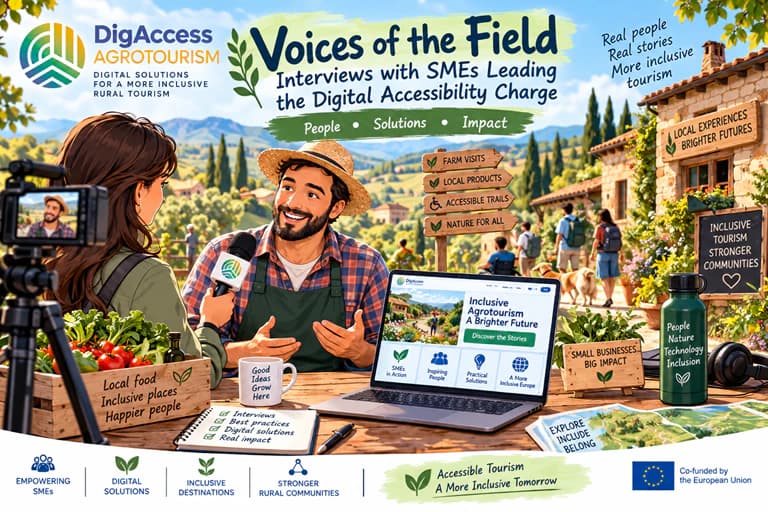
The visitor experience begins online. Imagine planning a weekend in the countryside. You find an agrotourism destination online, explore its website, check the offer and make a booking. For most of us, these are simply parts of everyday life. For people with disabilities, however, the same digital journey can look very different. At any of these points, a digital barrier can get in the way: a website may be difficult to navigate with a screen reader or keyboard, a video may have no captions, or accessibility information may be too vague to be useful.
Digital accessibility is therefore not only a technical issue - it is also about whether people can find, understand and use information and services.
For smaller rural tourism organisations, it can be difficult to know what to check and what to improve first to make their digital services more accessible to people with disabilities. They may have limited time, staff and specialist knowledge. This is where another group becomes important: the people who support them.
Enabling Organisations provide training, advice, networking or other forms of support to rural tourism businesses and social economy organisations. Their role is to help organisations recognise digital challenges and make informed decisions about what to do next.
This requires more than knowing how to use digital tools. An effective Enabler - mentor, trainer, advisor - needs to be able to ask the right questions, look at digital experience from the perspective of a person with a disability, help an organisation decide what matters most, and turn a broad challenge into a concrete next step. They also need to recognise when a problem requires specialist technical expertise rather than trying to solve everything themselves.
These skills are particularly important in smaller rural organisations, where digital and accessibility issues are often closely connected with everyday operational challenges.
The right tools support the right skills
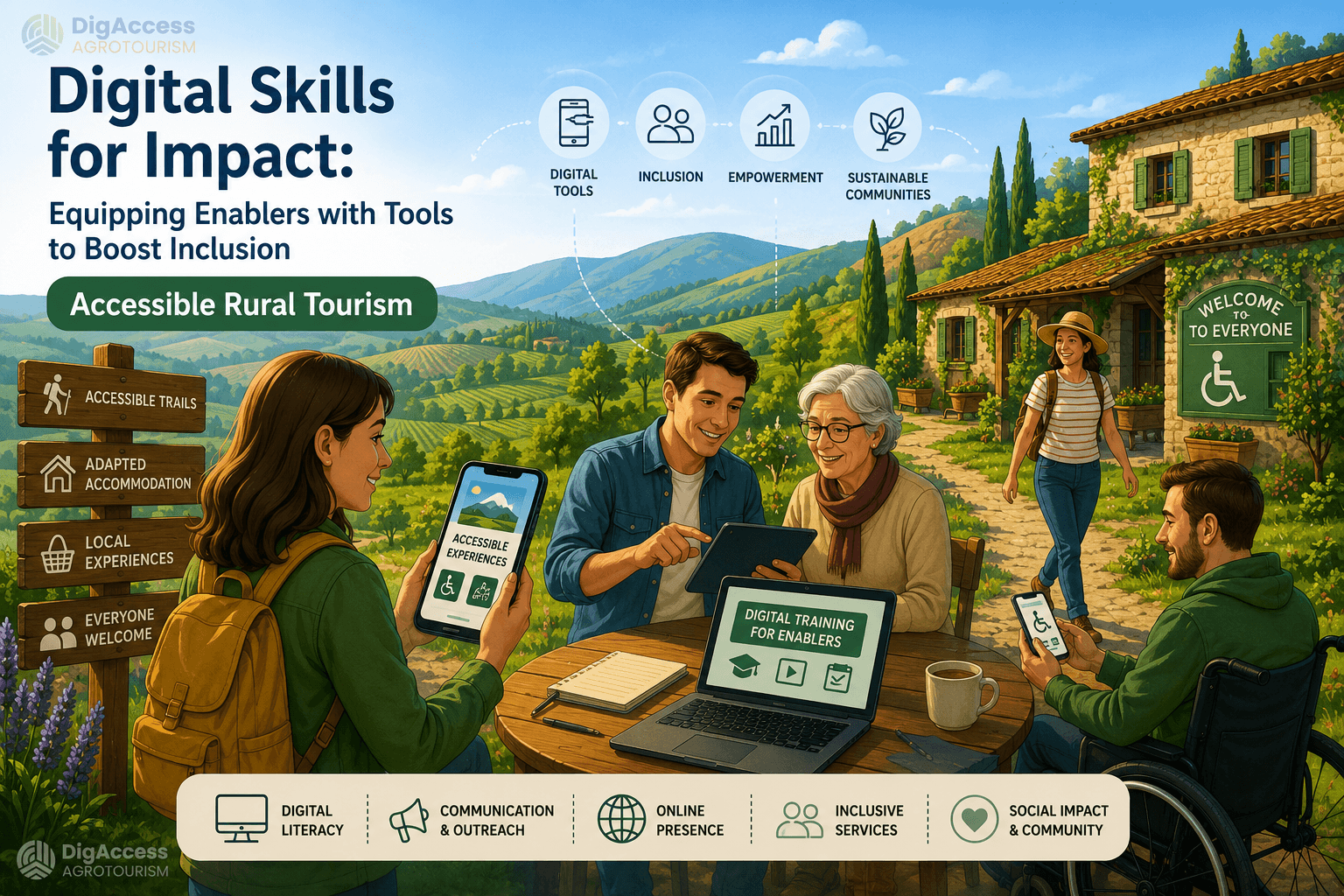
Being digitally skilled does not mean knowing every technology or being an expert in WCAG. The DigAccessAgrotourism Train the Trainer Toolkit can help mentors and trainers develop practical way of working. Rather than offering a catalogue of technologies, it brings together methods, checklists, canvases and templates that help Enablers structure their work with social economy organisations.
The Enabler’s judgement is then supported by the set of verified tools. For example, the Digital Maturity Checklist can help an Enabler identify where an organisation is currently struggling. But the important skill is knowing what to ask next: Where exactly is the barrier? Who experiences it? What is causing it? Is it a technical issue, a content issue, or both?
Simple external tools such as WAVE or axe DevTools can help flag common accessibility issues on a webpage. A basic keyboard-only check can reveal barriers that automated testing may miss. The Enabler does not need to conduct a full technical accessibility audit, but should be able to recognise potential problems and understand when specialist support is needed.
Look at the problem from the organisation’s and user’s perspective
Digital accessibility should not be treated as a separate technical task added at the end of digital development. An Enabler can help an organisation understand how a digital barrier relates to the way it communicates, delivers its services or interacts with visitors. For example, a problem with an online booking form may affect how visitors access an activity, how the organisation collects information or how staff handle bookings.
Tools such as the Business Model Canvas can help connect a digital challenge with the wider way an organisation operates. This helps move the conversation beyond the website errors towards the impact on the organisation and the people it serves.
And the user perspective matters. When possible, accessibility should be explored with people with disabilities, rather than only by making assumptions about what they might need. Their experience can reveal barriers that a technical check alone may miss.
Help organisations focus on what matters
Many organisations have a long list of ideas for improvement, but too little time or capacity to address them all at once. Identifying problems is only the first step. The harder part is deciding which of them are worth addressing first.
Gap analysis and MoSCoW prioritisation can support this process by helping distinguish between what is essential, what should come next, what can wait and what definitely will not be done. The aim is to focus on changes that can make a meaningful difference and that the organisation can realistically take forward. This is an important part of the Enabler’s role: connecting user needs with organisational priorities and available capacity.
Turn challenges into something that can be tested
Once a priority has been identified, the Enabler should help the organisation move from “we should improve this” to “let’s try this”. The Ideation Canvas can support the development of possible responses to a specific challenge, while the Experiment Board helps turn an idea into a small, testable experiment.
An organisation might start by testing a more accessible booking form, clearer accessibility information, captions for one promotional video, or an improved digital guide. Small experiments can provide useful evidence before an organisation commits more time or resources.
The Enabler’s role is to facilitate this process – asking questions, challenging assumptions, helping structure the experiment and supporting reflection on the results. The organisation itself remains responsible for the decisions and implementation.
From digital skills to impact
An effective Enabler does not need to know about every technology or be an expert in every aspect of accessibility. However, they should be able to recognise when a simple digital solution could address an accessibility barrier. For example, QR or NFC-based audio navigation, an accessibility-focused chatbot, or simple IoT solutions such as sensors and digital dashboards can support people in accessing information or navigating a rural tourism offer. The Enabler’s role is to understand the need, explore whether such a solution could help, assess its feasibility and, when necessary, connect the organisation with a technical specialist.
The DigAccessAgrotourism Train the Trainer Toolkit provides a structured set of tools to support this work. It helps mentors and trainers move beyond simply sharing digital knowledge and towards helping organisations understand their challenges, make informed choices and test improvements that can make their digital services more accessible.
Digital accessibility does not always require a major investment or a complete digital transformation. It can start with recognising a barrier, understanding who it affects, deciding what matters most and taking one practical step to improve it.

No comments yet
You must be logged in to leave a comment